
Forgot Password
Reset your password if you can't sign in, from either the dashboard or the mobile app.
Reset from the dashboard
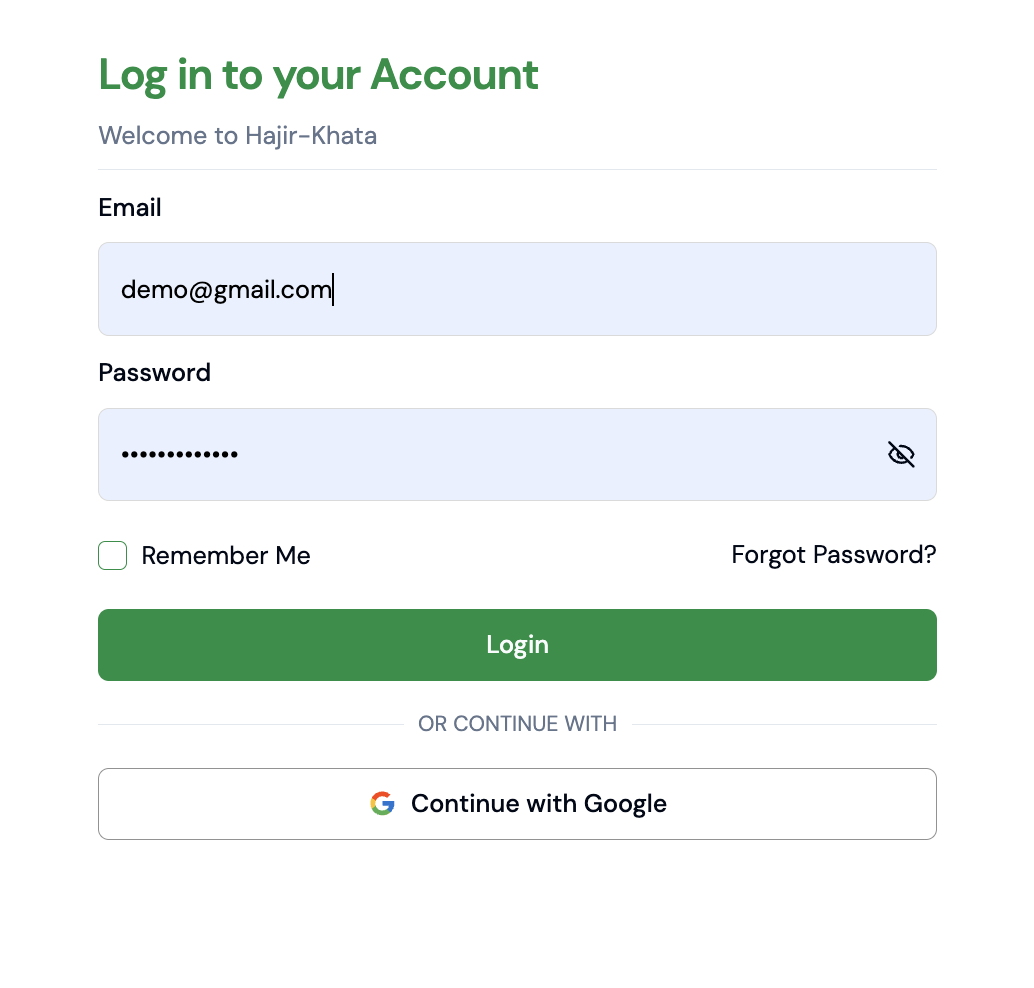
- 1On the login page, click Forgot Password to open the Reset Password screen.
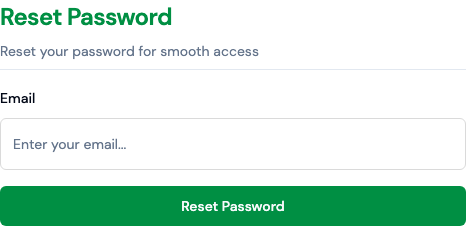
- 2Enter your registered email and click Reset Password.
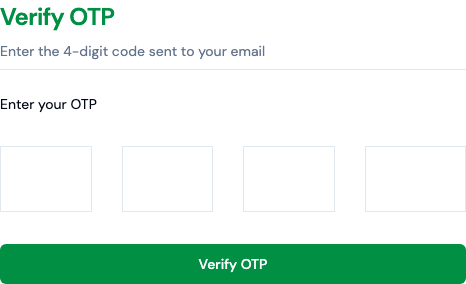
- 3Enter the 4-digit OTP you received and click Verify OTP.
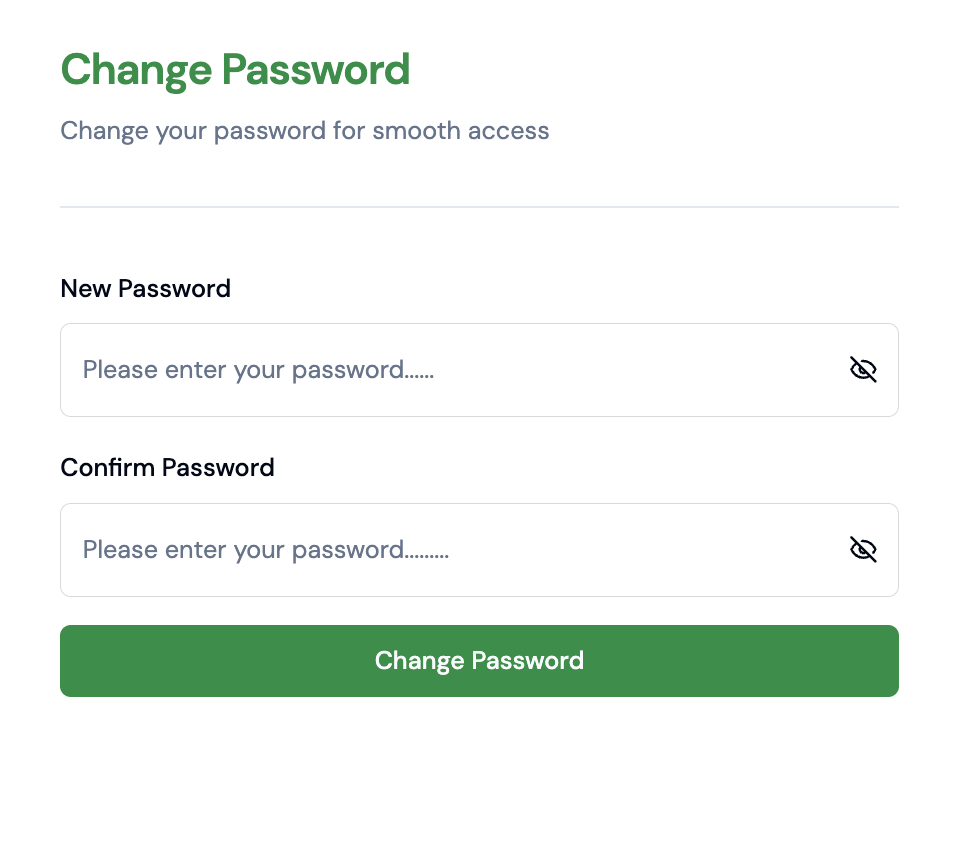
- 4Set your new password and click Change Password.
Reset from the mobile app
- 1On the login screen, tap Forgot Password.
- 2Enter your registered phone number.
- 3Enter the OTP sent via SMS and set a new password.