
Setting Up Biometric Devices with Hajir Sync: A Step-by-Step Guide
Hajir Khata Team
Share this article:
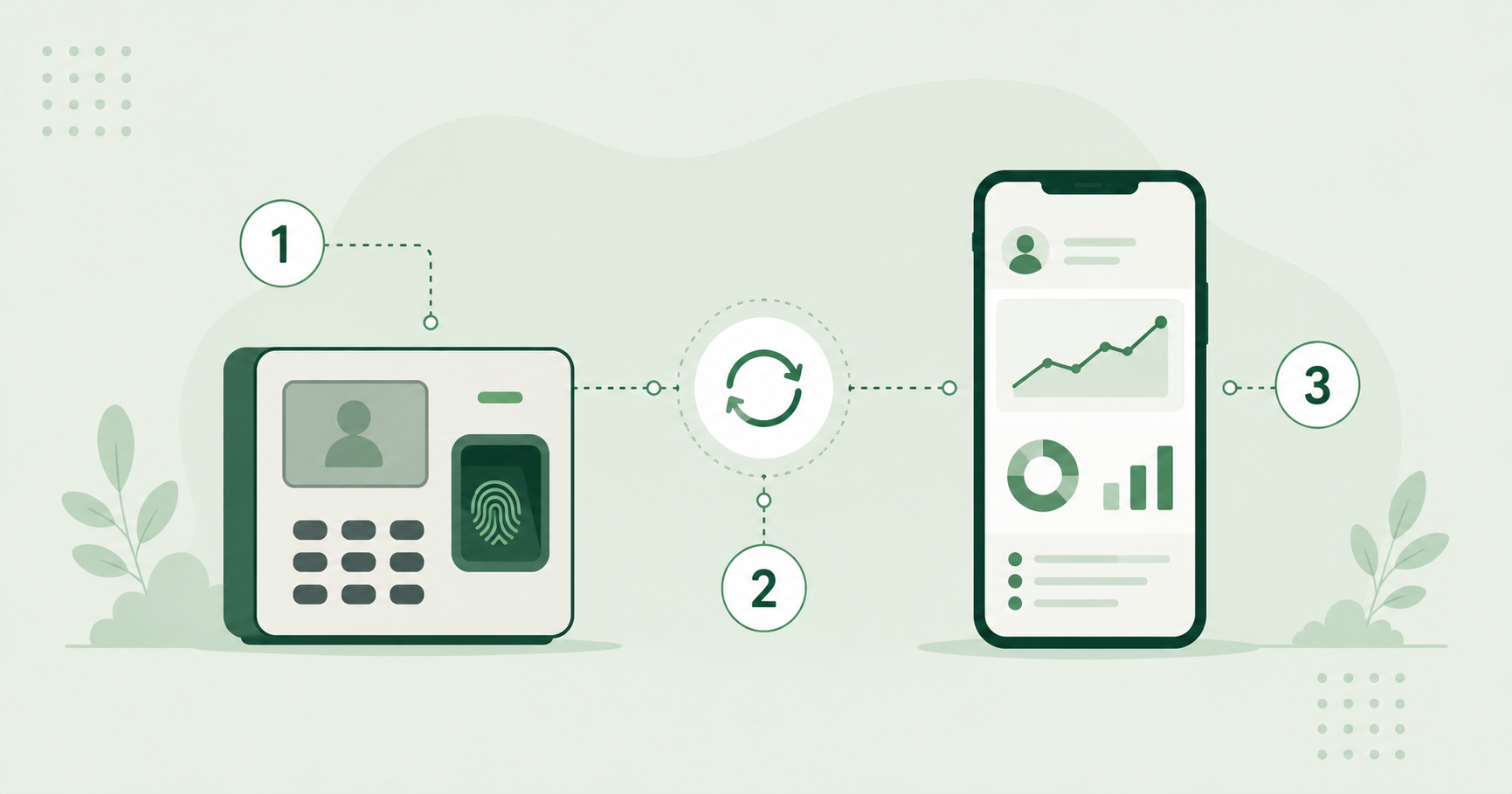
Short answer: Hajir Sync connects a biometric attendance device to your Hajir Khata dashboard in four steps — register the device, enroll employees on it, connect it to the network, and confirm attendance is flowing into the dashboard in real time.
Step 1: Register the device
Add your biometric device to your Hajir Khata account, associating it with the correct branch or location. This tells the system which physical device attendance records are coming from, which matters the moment you have more than one location.
Step 2: Enroll employees on the device
Each employee's fingerprint or face data is enrolled directly on the device itself, then matched to their existing employee profile in Hajir Khata by employee ID — so the device knows who it's seeing, and the dashboard knows which employee record to update.
Step 3: Connect the device to your network
Hajir Sync keeps the device connected and syncing attendance events to the dashboard, rather than requiring a manual export or USB transfer at the end of the day. This is the step that turns a standalone biometric device into a real-time attendance system instead of an offline data logger.
Step 4: Confirm attendance is flowing correctly
Have a test employee clock in and out, then check the dashboard to confirm the record appears with the correct timestamp and location. Doing this before full rollout catches configuration issues while it only affects one test record, not a full day of real attendance.
Common setup issues
- Device not associated with the correct branch, causing attendance to show under the wrong location
- Employee enrolled on the device but not matched to the right profile, creating an orphaned attendance record
- Network connectivity drops causing delayed rather than real-time sync
If a device isn't syncing as expected, our support team can usually diagnose it directly from the dashboard logs rather than requiring an on-site visit.
Ready to streamline your attendance and payroll processes?
Discover how Hajir-Khata can help your business save time and reduce errors.